9 Learn SQL with Datasette
9.1 Database to use
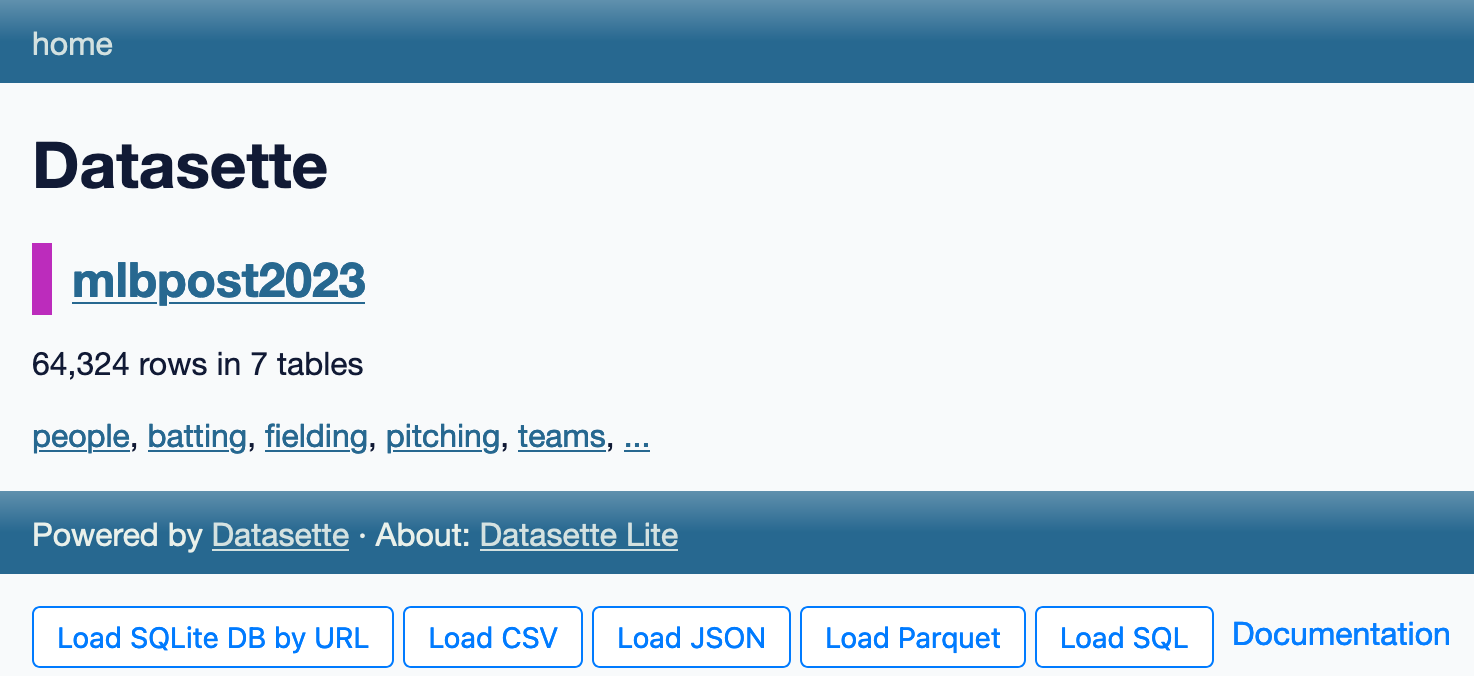
You can download MLB Postseason Database and run it locally: datasette mlbpost2023.db.
Access online MLB Postseason Database.
9.2 SQL and SQLite: The Basics
Datasette is a tool that helps us work with a type of database called SQLite. But what are SQL and SQLite? SQL (Structured Query Language):
It’s a special language we use to talk to databases. Think of it as a way to ask questions about data and get answers quickly. Different database systems use slightly different versions of SQL, but the basics are the same.
9.2.1 SQLite:
It’s a specific type of database that Datasette uses. It’s super popular and you probably use it without knowing! It’s built into many apps you use every day, like Google Chrome and Firefox. It runs on all sorts of devices - laptops, iPhones, Android phones, and more.
9.2.2 Why SQLite is Cool:
It’s small and fast. It doesn’t need a separate server to run. It stores all its data in a single file, making it easy to move around.
Here, we’ll use SQL with Datasette and SQLite to explore data. We’ll stick to SQL commands that work in most databases, so what you learn here will be useful even if you use other database systems later.
Remember: SQL is like learning a new language, but for talking to databases instead of people!
9.3 Run SQL in Datasette
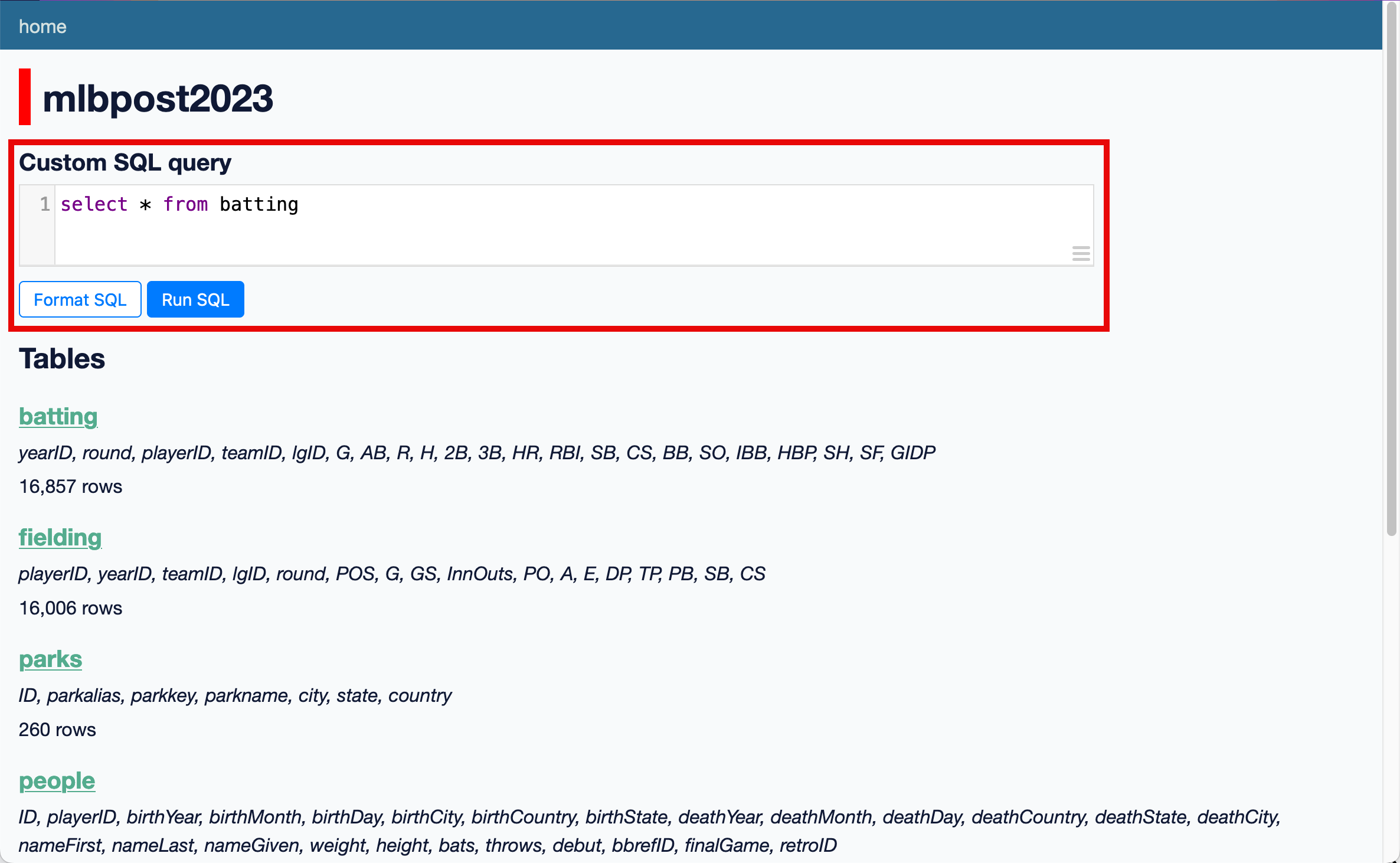
We can run any SQL command in this Custom SQL query form:
9.3.1 SELECT … FROM Command
The select section specifies which columns you would like to return. Each column name is separated by a comma.
The from section specifies which table the records should be selected from - here we want the batting table.
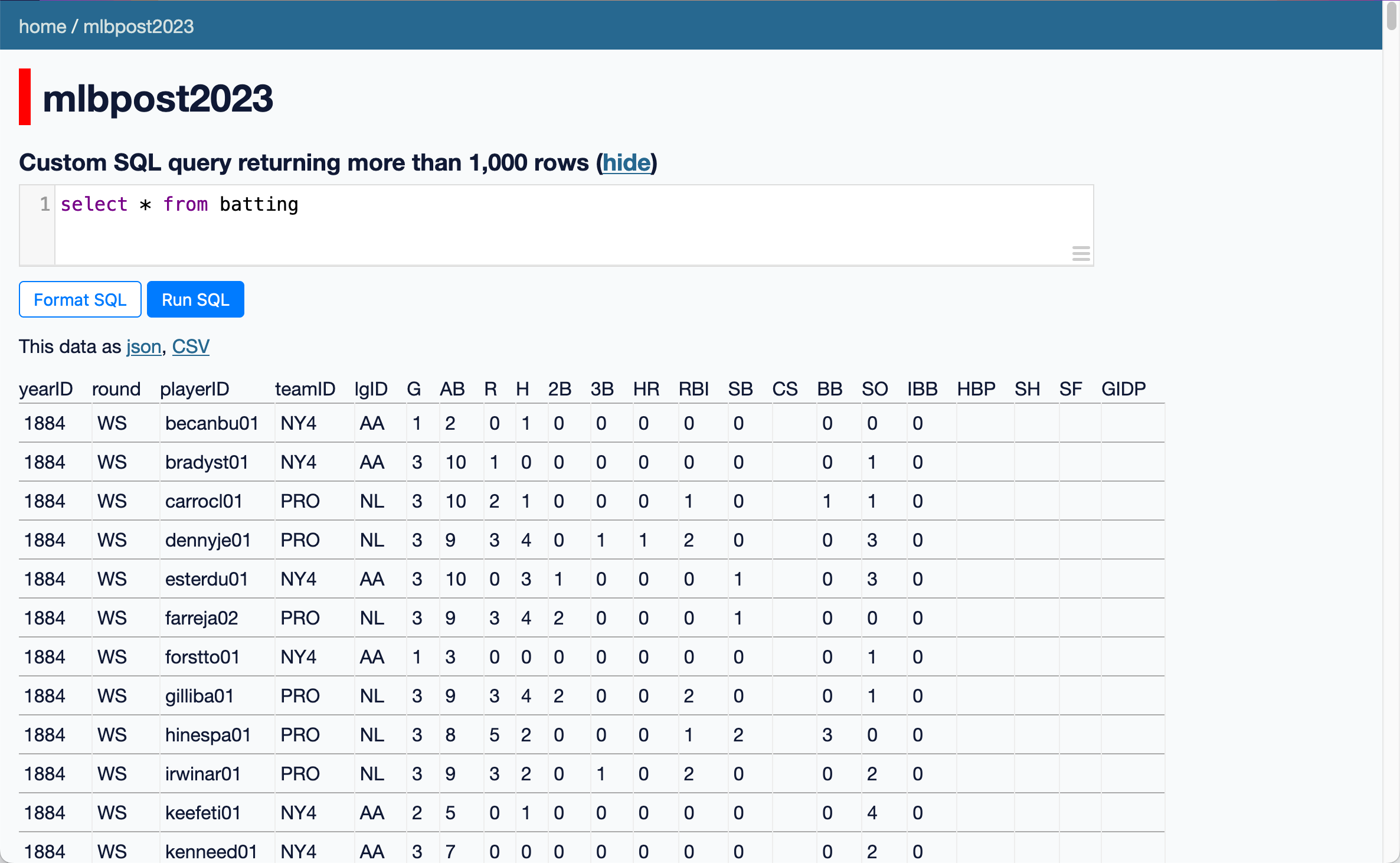
select * from battingThis returns the result of all fields in the batting table.
9.3.2 Select Only Certain Fields
Let’s say we want to see only a player’s home runs (HR). To make it more meaningful, we will also include yearID, round, playerID, teamID, and lgID.
select yearID, round, playerID, teamID, lgID, G, HR
from batting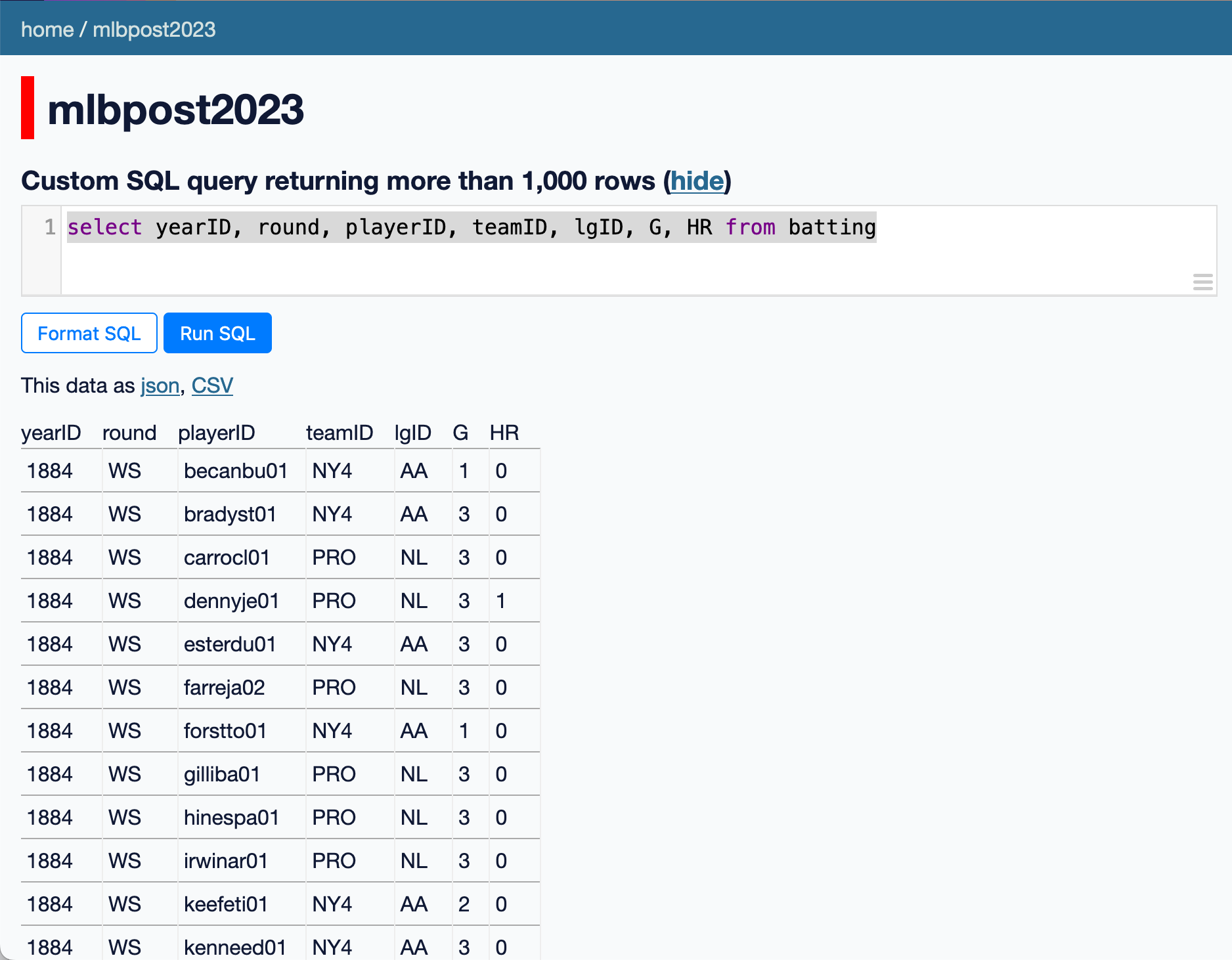
- Use the
pitchingtable - Show pitcher’s games, including wins (W) and losses (L)
- Record your SQL code
9.3.3 WHERE Command
Previously, we learned how to use facets and filters to narrow down data we want. Now, we’ll see how to achieve the same results using the where command.
The where section adds filter conditions. These can be combined using and and or.
Let’s say we want to see all batting records from 2023. Return 483 rows.
select
  yearID, round, playerID, teamID, lgID, G, HR
from
  batting
where
  yearID = 2023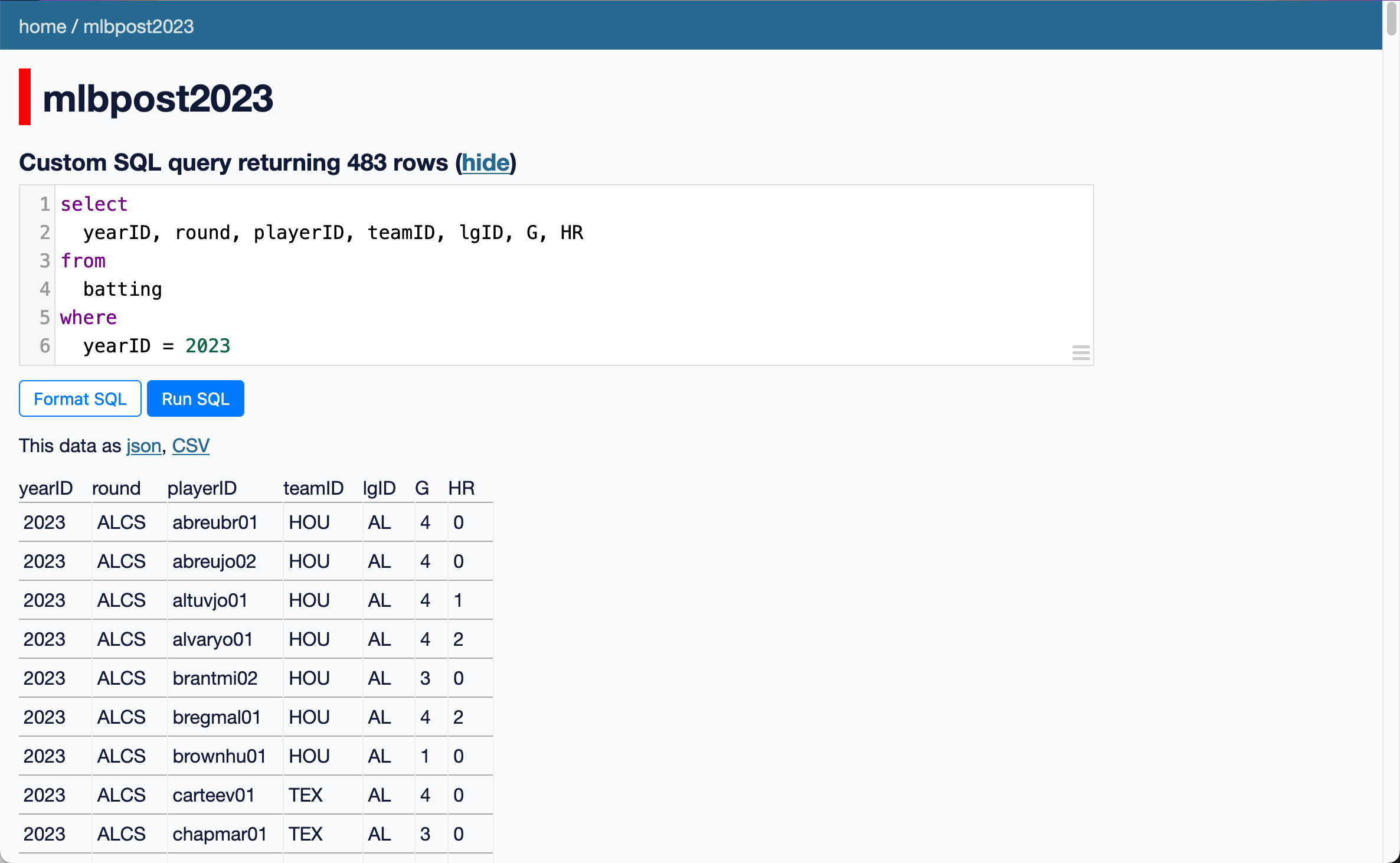
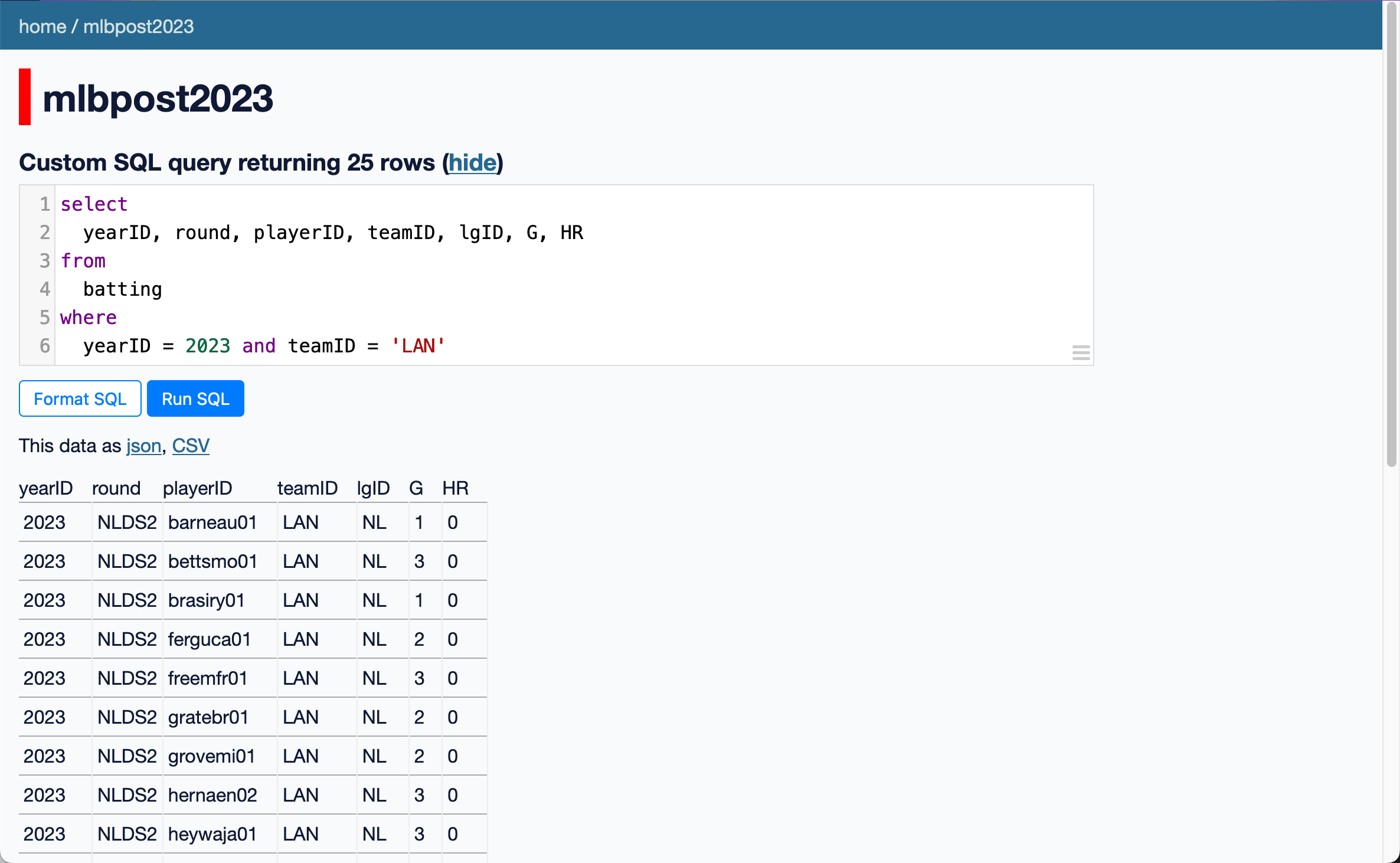
Let’s say we want to see all batting records of the Los Angeles Dodgers from 2023. Return 25 rows.
You can use the query parameter editor (Green Box) to create filter conditions.
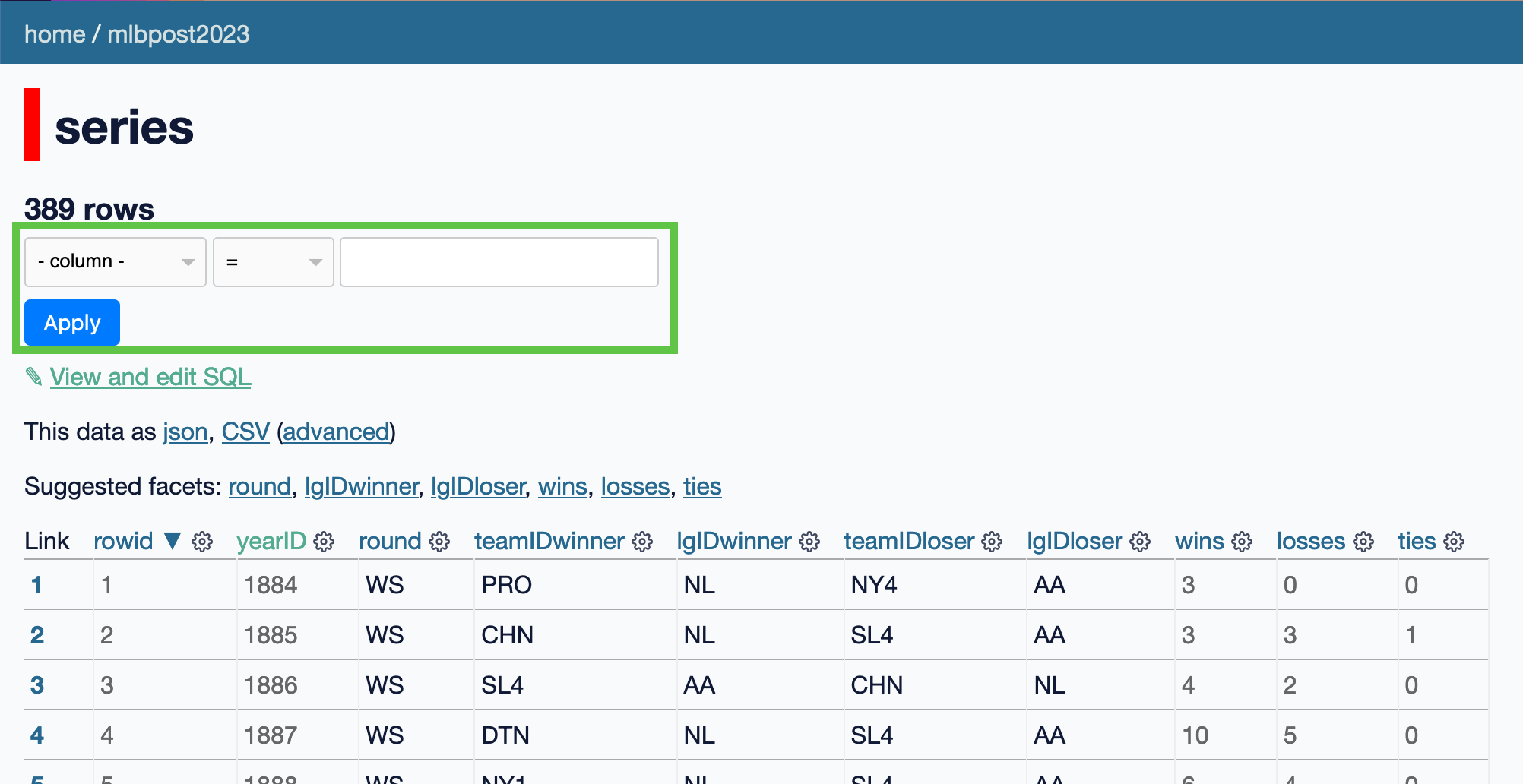
- Use the
seriestable - Show games after 2020
- Record your SQL code
- Use the
seriestable - Show only the World Series games (only 3 games)
- Record your SQL code
9.3.4 ORDER BY Command
The order by clause specifies the order you woud like the rows to be returned in.
This SQL command will show us players who hit at least one home run during World Series games. The result is ordered by the number of home runs (HR) in descending order.
select
  rowid,
  yearID,
  round,
  playerID,
  teamID,
  lgID,
  G,
  AB,
  HR
from
  batting
where
  round = 'WS' and HR <> 0
order by
  HR DESC
Result: 767 rows. Here is the first few rows.
| rowid | yearID | round | playerID | teamID | lgID | G | AB | HR |
|---|---|---|---|---|---|---|---|---|
| 3781 | 1977 | WS | jacksre01 | NYA | AL | 6 | 20 | 5 |
| 10923 | 2009 | WS | utleych01 | PHI | NL | 6 | 21 | 5 |
| 13936 | 2017 | WS | springe01 | HOU | AL | 7 | 29 | 5 |
| 961 | 1926 | WS | ruthba01 | NYA | AL | 7 | 20 | 4 |
| 1017 | 1928 | WS | gehrilo01 | NYA | AL | 4 | 11 | 4 |
9.3.5 Like Command
The LIKE command is used to search for patterns within text fields. It’s especially helpful when you only know part of a value or want to find entries that contain a specific keyword.
For example, if you’re looking for all names that start with Oh you could write WHERE name LIKE Oh%. The % symbol acts as a wildcard, meaning it will match any characters after “oh”. Similarly, you can use % before or after a word to find entries that contain or end with specific letters.
select
  ID,
  playerID,
  birthYear,
  birthCountry,
  nameFirst,
  nameLast,
  debut,
  bbrefID,
  finalGame,
  retroID
from
  people
where
  "nameLast" like :p0
order by
playerID| ID | playerID | birthYear | birthCountry | nameFirst | nameLast | debut | bbrefID | finalGame | retroID |
|---|---|---|---|---|---|---|---|---|---|
| 13798 | ohkato01 | 1976 | Japan | Tomo | Ohka | 1999-07-19 | ohkato01 | 2009-10-04 | ohkat001 |
| 13799 | ohlenro01 | 1982 | USA | Ross | Ohlendorf | 2007-09-11 | ohlenro01 | 2016-10-02 | ohler001 |
| 13800 | ohljo01 | 1888 | USA | Joe | Ohl | 1909-07-29 | ohljo01 | 1909-08-05 | ohl-j101 |
| 13801 | ohlmami01 | 1990 | USA | Mike | Ohlman | 2017-05-09 | ohlmami01 | 2017-08-15 | ohlmm001 |
| 13802 | ohmanwi01 | 1977 | Germany | Will | Ohman | 2000-09-19 | ohmanwi01 | 2012-06-27 | ohmaw001 |
| 13803 | ohmeke01 | 1971 | USA | Kevin | Ohme | 2003-04-14 | ohmeke01 | 2003-04-15 | ohmek001 |
| 13805 | ohse01 | 1982 | South Korea | Seunghwan | Oh | 2016-04-03 | ohse01 | 2019-05-30 | oh–s001 |
| 13806 | ohtansh01 | 1994 | Japan | Shohei | Ohtani | 2018-03-29 | ohtansh01 | 2022-10-05 | ohtas001 |
- Use the
peopletable. - Find players who have similar surnames or first names as yours.
- Record the result and your SQL code.
9.4 Advanced SQL Concepts
9.4.1 SQL JOIN
Let’s go back to players who hit at least one home run during World Series games. It would be great if we can see real name instead of playerID. We can do that by joining two tables.
select
  batting.yearID,
  batting.round,
  batting.playerID,
  batting.teamID,
  batting.lgID,
  batting.G,
  batting.AB,
  batting.HR,
  people.nameGiven
from
  batting
  join people on batting.playerID = people.playerID
where
  round = 'WS' and HR <> 0
order by
  HR DESC
Result: 767 rows. Here is the first few rows.
| yearID | round | playerID | teamID | lgID | G | AB | HR | nameGiven |
|---|---|---|---|---|---|---|---|---|
| 1977 | WS | jacksre01 | NYA | AL | 6 | 20 | 5 | Reginald Martinez |
| 2009 | WS | utleych01 | PHI | NL | 6 | 21 | 5 | Chase Cameron |
| 2017 | WS | springe01 | HOU | AL | 7 | 29 | 5 | George Chelston |
| 1926 | WS | ruthba01 | NYA | AL | 7 | 20 | 4 | George Herman |
| 1928 | WS | gehrilo01 | NYA | AL | 4 | 11 | 4 | Henry Louis |
| 1952 | WS | snidedu01 | BRO | NL | 7 | 29 | 4 | Edwin Donald |
| 1955 | WS | snidedu01 | BRO | NL | 7 | 25 | 4 | Edwin Donald |
- The
playerIDhas a special role in thepeopletable. What is it? - The
playerIDhas a special role in thebattingtable. What is it? - Therefore, when writing a JOIN query to link these two tables, what should you do?
9.4.2 SQL GROUP BY
The GROUP BY statement in SQL is used to group rows that have the same values in specified columns into summary rows. Often, GROUP BY is used with aggregate functions like COUNT(), SUM(), AVG(), MAX(), or MIN() to perform operations on each group of data. This allows you to summarise data based on shared attributes across multiple rows.
For example, if you wanted to find the total number of home runs hit by each player, you would use GROUP BY on the playerID column and sum the HR column.
You probably notice that Edwin Donald hit home runs in 1952 and 1955. It would be interesting to combine all home runs of the same players. This can be done using GROUP BY and sum. Here’s an example:
select
  playerID,
  sum(HR) as CHR  -- Career Home Run
from
  batting
where
  round = 'WS'
group by
  playerID
order by
CHR DESC| playerID | CHR |
|---|---|
| mantlmi01 | 18 |
| ruthba01 | 15 |
| berrayo01 | 12 |
| snidedu01 | 11 |
| jacksre01 | 10 |
| gehrilo01 | 10 |
Let’s check the answers are correct.
Find all home runs during World Series for snidedu01.
select
  playerID, yearID, round, HR
from
  batting
where
  round = 'WS' and playerID = 'snidedu01'
Result:
| playerID | yearID | round | HR |
|---|---|---|---|
| snidedu01 | 1949 | WS | 0 |
| snidedu01 | 1952 | WS | 4 |
| snidedu01 | 1953 | WS | 1 |
| snidedu01 | 1955 | WS | 4 |
| snidedu01 | 1956 | WS | 1 |
| snidedu01 | 1959 | WS | 1 |
0+4+1+4+1+1=11 That is correct!
Let’s find how many Australian-born players have played in MLB history.
- Use the
peopletable. - Write a query that uses
WHEREandbirthCountryto filter players and count the number of players from Australia. - Write a query that uses
GROUP BY,countandbirthCountryto find the number of players born in Australia. - Compare the answers in 2 and 3 to verify the result.
I’m really curious where these Australian players were from.
select
  birthCity,
  count(*) as Number
from
  people
where
  birthCountry = 'Australia'
group by
birthState| birthCity | Number |
|---|---|
| Canberra | 1 |
| Sydney | 11 |
| Cairns | 5 |
| Adelaide | 4 |
| Mount Waverley | 8 |
| Perth | 5 |
Can you answer any interesting questions now?
9.5 Credit:
- Learn SQL with Datasette. https://datasette.io/tutorials/learn-sql. Accessed 4 Oct. 2024.